iMeter 6 FAQs
iMeter 6 Advanced Power Quality Monitor
Revenue-Grade Accuracy and High-Resolution Waveform Logging for Critical Applications
The iMeter 6 is a high-performance power quality and revenue-grade monitor designed for incomers and critical feeders in utilities, data centres and heavy industries, combining Class 0.2S measurement, waveform capture and network connectivity in a 96 × 96 mm DIN-cut panel format.
iMeter 6 FAQs
The webserver interface is not functional. I am currently logged in as an operator (not user), hovering over the setting menu selections. The links are not opening from the settings menu options; PQ, Dmd. & Energy, Record, Others and Diagnostics). Both Edge and Chrome were unsuccessful.
The webpage is designed to be compatible with Chrome, Microsoft Edge and Firefox browsers. Chromium removed their mutation events Support, starting from Chrome Version 127, which was released on July 23, 2024. This affected the access for some web pages of the iMeter Series. The detailed root cause can be found in Section 3 of the attachment below. Microsoft Edge is built on the same underlying technology as Google Chrome, therefore, similar problems may occur. Browsers like Firefox may not have such compatibility issues. To fix this problem for Google Chrome, please refer to Page 3 of the link below and follow the steps to install the IE Tab in Google Chrome. IE Mode for Chrome and Edge is a convenient way for accessing webview. For some meters there is a permanent corrective action in the way of a firmware upgrade. Please forward the current meter firmware version to hardwaresupport@lpaenergygroup.com to see if this solution is available. V3.20.03 cannot be upgraded.
Is it possible to get the iMeter 6 to record COMTRADE file events based off current setpoints? I would like to obtain clarity around current peak events and understand whether they are steady increases or if they are momentary situations
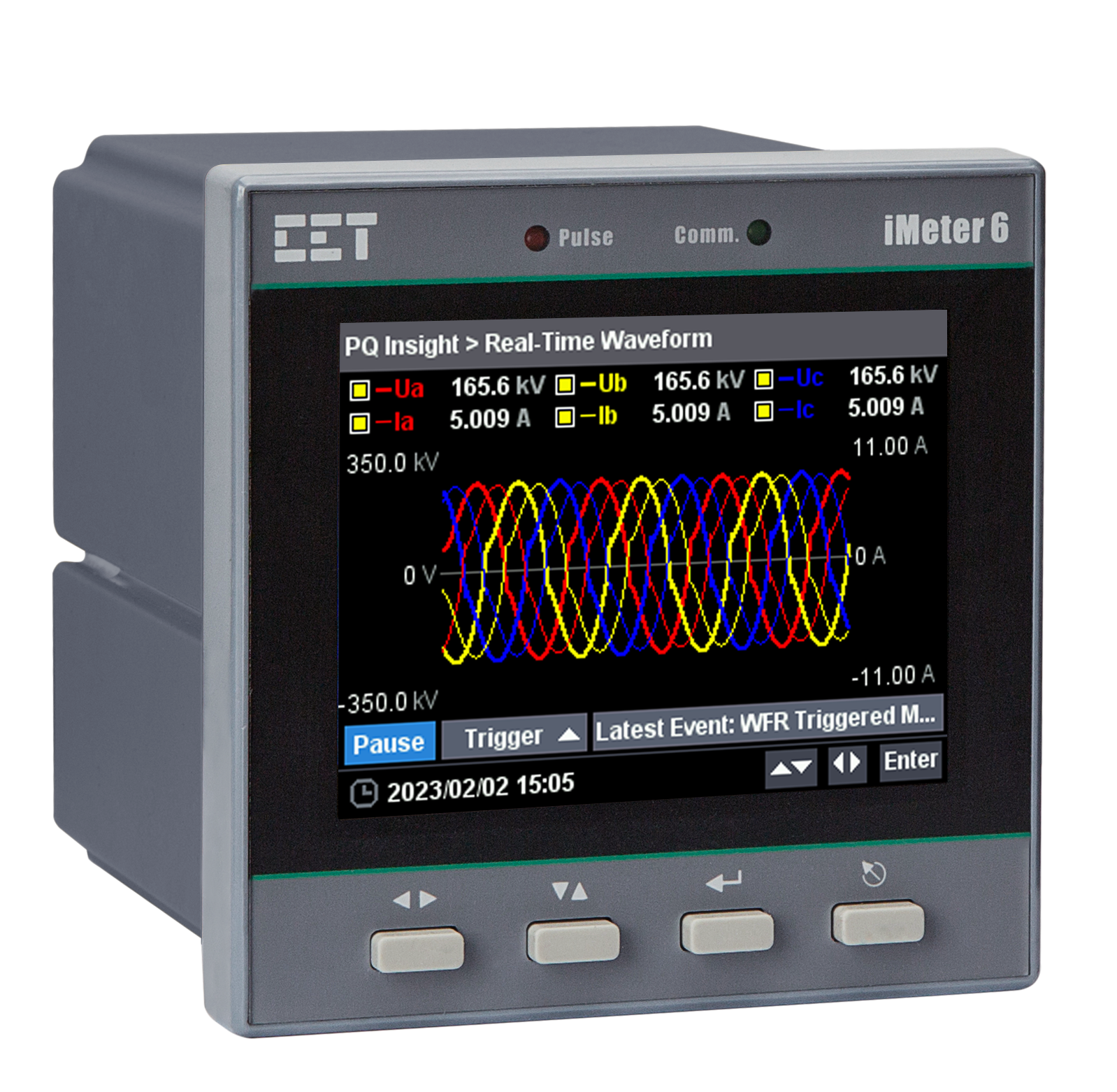
The manual section 3.2.3.6.5 refers to the Setpoint setup. The Parameters can be set as “I”, which means any phase current that exceeds the limit, the setpoint will be triggered. The trigger action can be selected as WFR (Section 4.7.4) or DWR (Section 4.7.6). After the Setpoint is triggered, refer to 3.2.3.4.1 to switch to SOE page and view the event details. The waveform is available to zoom in/out and the COMTRADE file is available to download by clicking the icon at the top right corner of waveform.